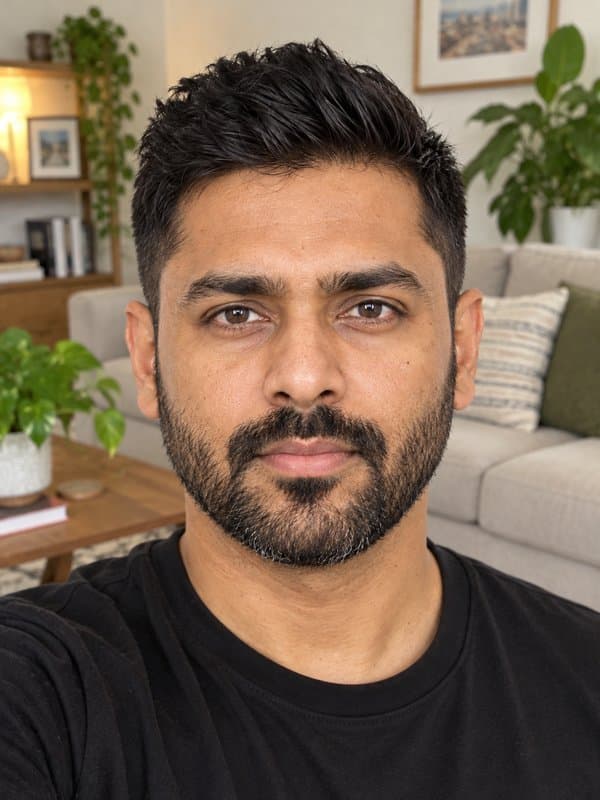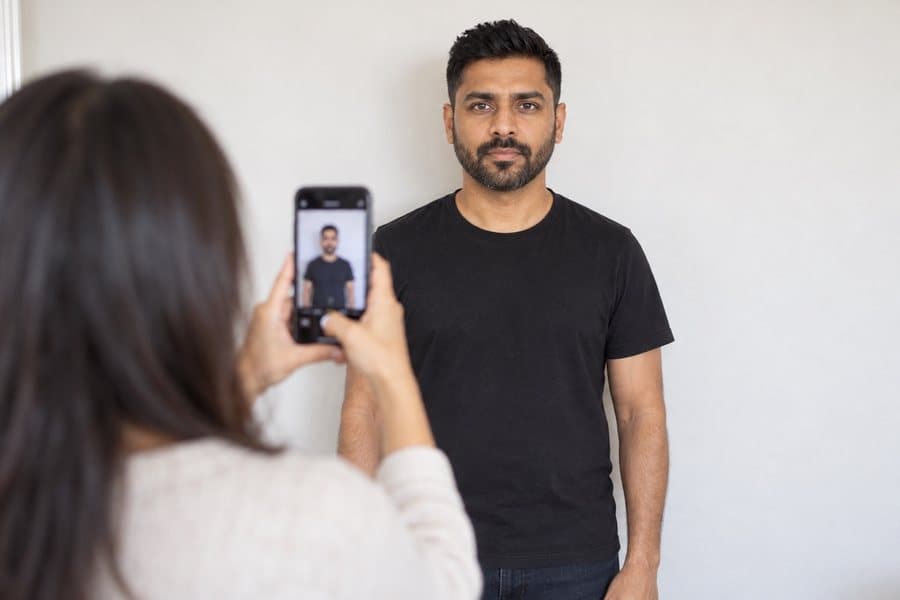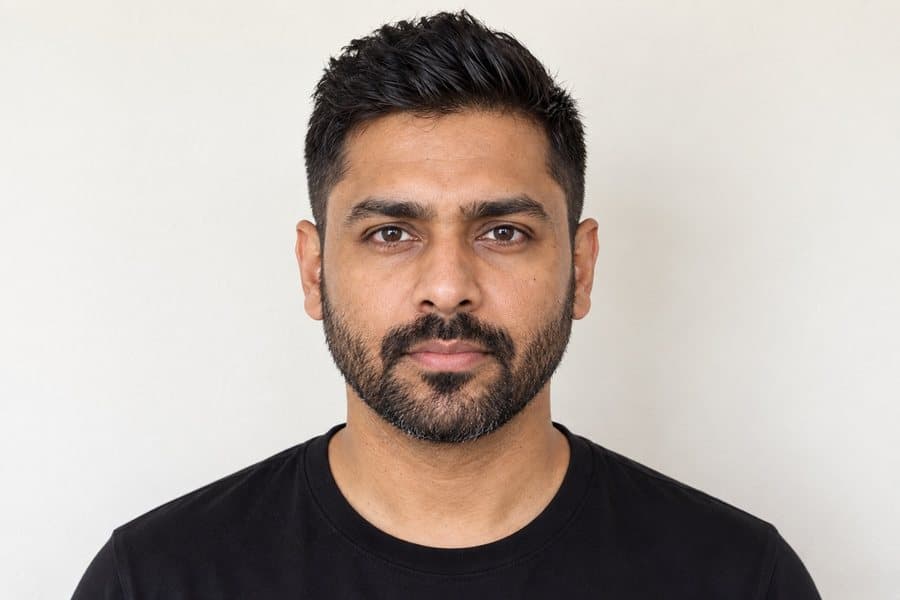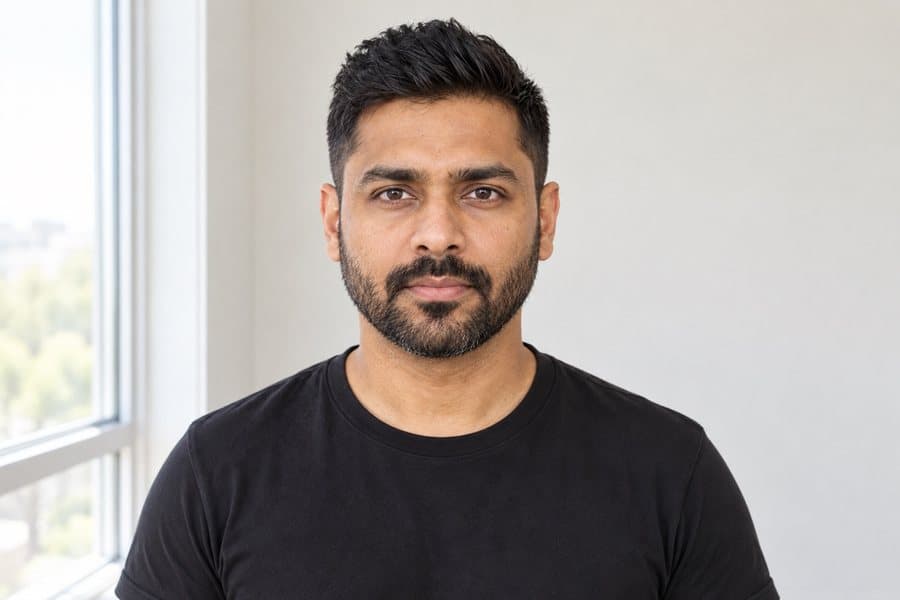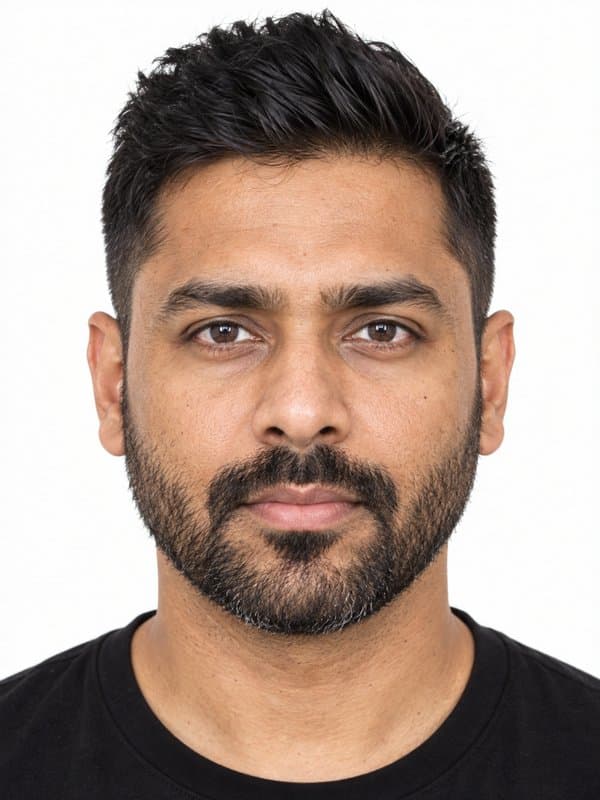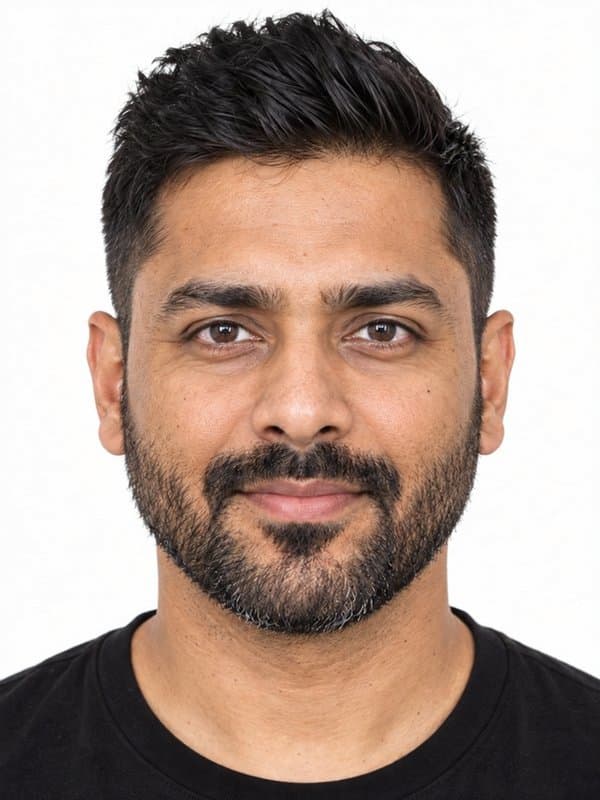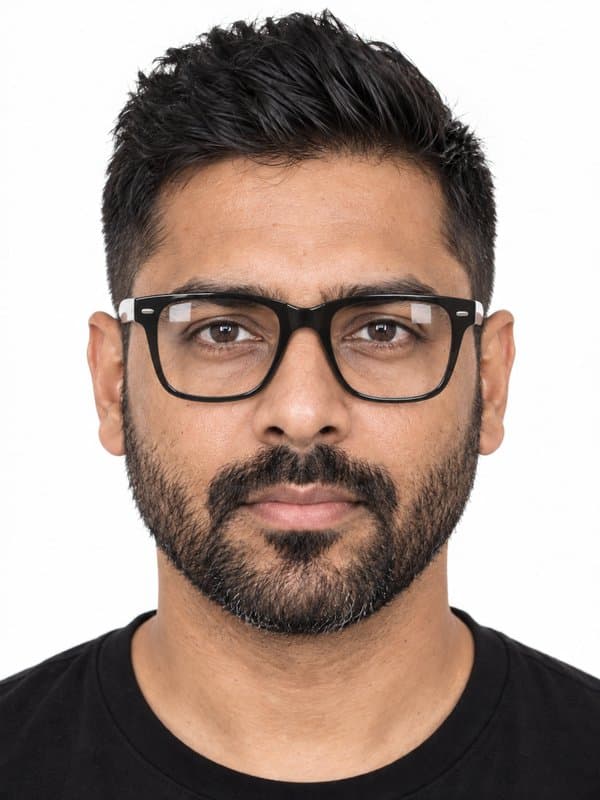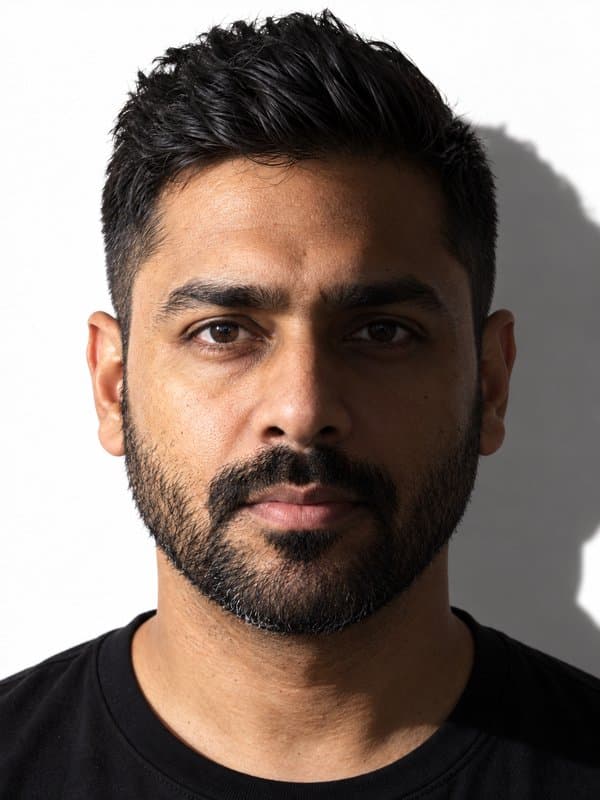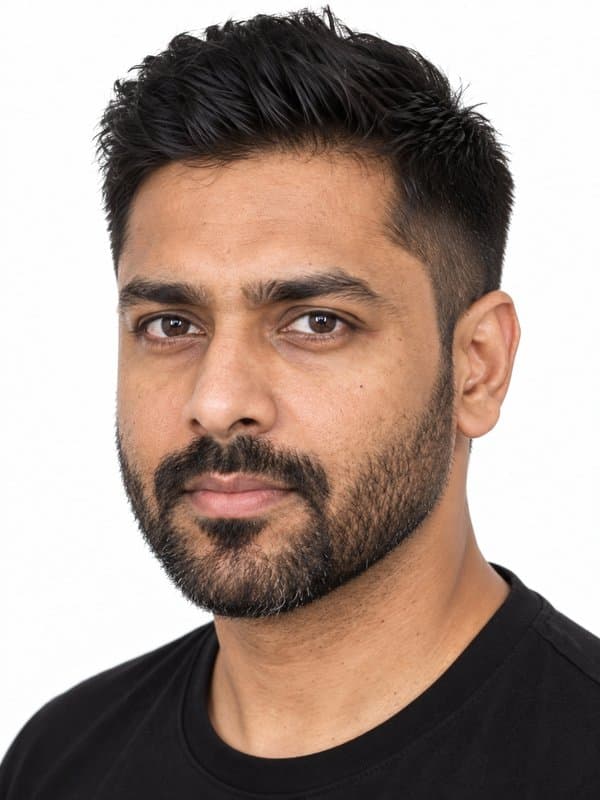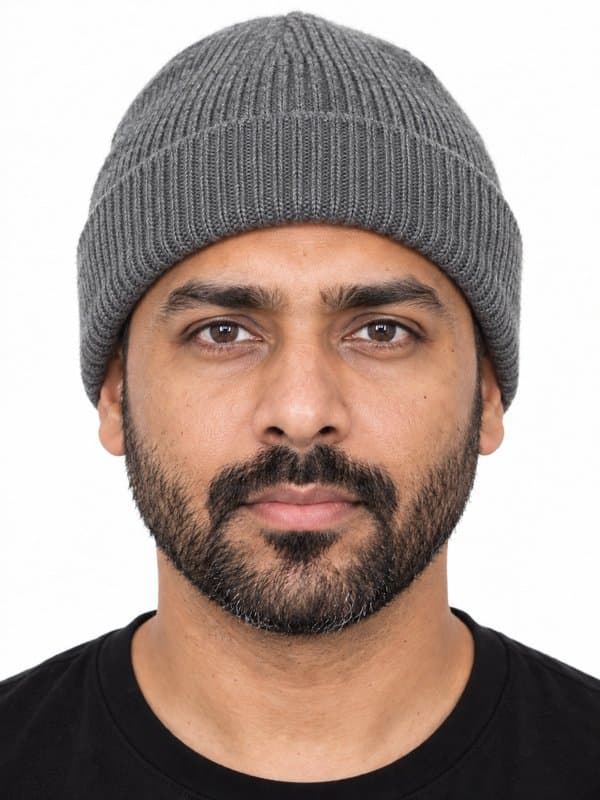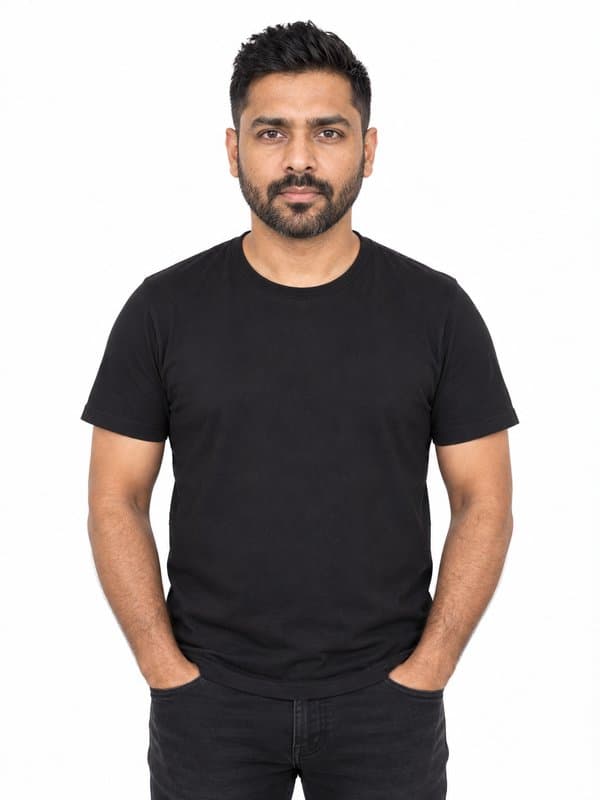




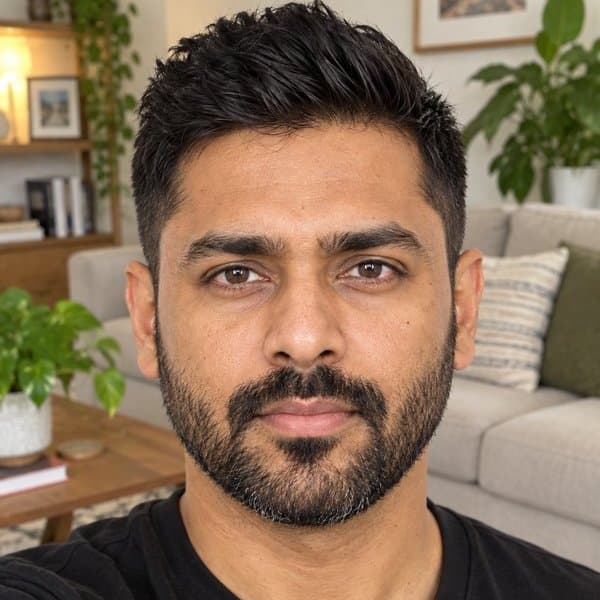
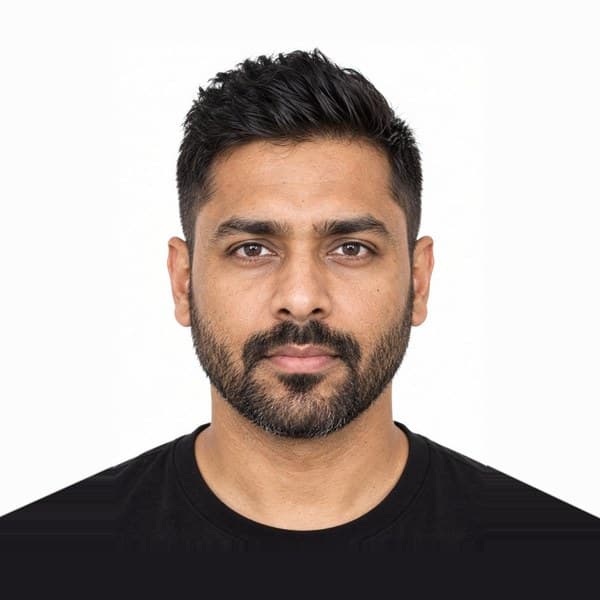
Your photo stays natural
This authority does not allow digital alterations. We check that the background is white or off-white without replacing or retouching it.
Take or upload a photo. We prepare and check it so your United States work visa photo is compliant and ready to submit online.
198,542+ photos already taken


You don't need to understand the rules for United States work visa photo. Just face the camera in good light; Imagokit handles the rest.
This authority does not allow digital alterations. We check that the background is white or off-white without replacing or retouching it.
We check the capture's aspect ratio and framing without recomposing it or altering its pixels.
We detect issues that could cause rejection and tell you if you need to take another photo.
Prepared in the format, aspect ratio and quality required for the online application.
We include a print sheet so you can get your copies without adjusting anything.
Verified official information
United States work visas do not use a separate photo size: employment-based nonimmigrant categories using DS-160 follow the standard 2 ร 2 in visa photograph rule. The exact visa category changes the form and evidence, not the picture dimensions.
We adjust the size and framing to the document's exact format without replacing the background or altering your appearance.


Upload a JPEG image in DS-160 when requested. Keep a 2 ร 2 in print available in case the embassy or consulate asks for it at interview.
Use a recent front-facing photo on white or off-white, without glasses, and keep it natural. Cropping and resizing are allowed, but facial enhancement and artificial background replacement are not.
You don't need to memorize measurements or biometric rules. Imagokit applies this document's official setup and checks the result before delivery.


Take the photo from at least 40 cm (16 in) away from your face. Ideally, have someone else take it for you.

Position your face in front of the lens and keep a neutral expression. Hold the camera at face level.

Face a light source, such as an open window, and use the required real background from the start. We will not replace or retouch it.
Use a real compliant background and keep your appearance natural. We check framing and conditions without altering the image.


If you need to complete more than one application, prepare each photo to the exact size and rules of its document.
๐บ๐ธPassport United StatesDriving licence๐บ๐ธUnited States๐บ๐ธDriving licence United StatesImmigration form๐บ๐ธUnited States๐บ๐ธImmigration form United StatesID Card๐บ๐ธUnited States๐บ๐ธID Card United StatesResidence permit๐บ๐ธUnited States๐บ๐ธResidence permit United StatesVisa๐บ๐ธUnited States๐บ๐ธVisa United StatesIt must be exactly 2 ร 2 in (51 ร 51 mm), with a white or off-white background. Imagokit crops and adjusts your photo to those measurements automatically.
The background must already be white or off-white when you take the photo. This authority prohibits digital alteration, so Imagokit checks it but does not replace it.
The process uses a digital photo, but the final channel may depend on your category, nationality, agent or consulate. Check the instructions for your specific application.
A slight closed-mouth smile is accepted, though we recommend a neutral expression to minimize the risk of rejection.
No. Glasses aren't allowed for this photo: they can cause glare or cover your eyes. Take them off before taking it.
It costs $5.95, a one-time payment with no subscription. It's ready to download instantly โ no waiting, no trips.
Yes. The photo meets the official measurements, background and biometric requirements of United States. And if it's still rejected, we refund your money.
Yes. Along with the digital photo you get a 10ร15 cm (4ร6 in) print template ready to print with 2, 4, 6 or 9 copies at any photo shop or kiosk.
The biometric analysis and cropping run on your own device, inside the browser. Your photo is only stored โ in private storage โ when you generate your order, so we can deliver it.