
How it is actually submitted
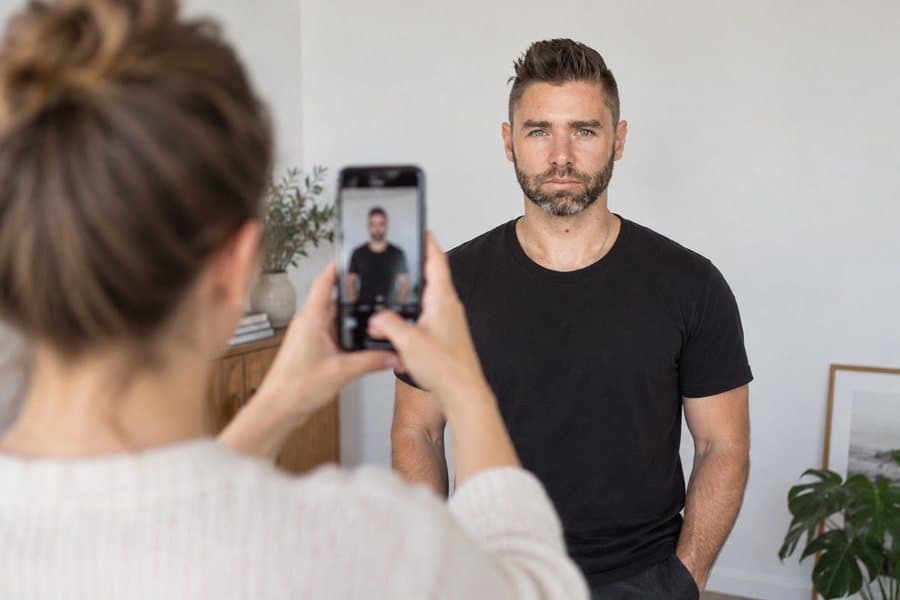
In California, as an example, the applicant completes the process with the DMV and is photographed at the office. Always check the procedure of the state issuing your licence.
Learn how the issuing authority actually captures or receives the photograph, which requirements apply and what to prepare to avoid problems.
The photograph is taken during the in-person application
The ordinary procedure does not allow a previously prepared digital photograph. Check the specific exceptions described in this guide.


Verified official information
United States driver licences are issued by states and territories. Consequently, there is no single federal digital file or photo size that works for every application.
In California, as an example, the applicant completes the process with the DMV and is photographed at the office. Always check the procedure of the state issuing your licence.
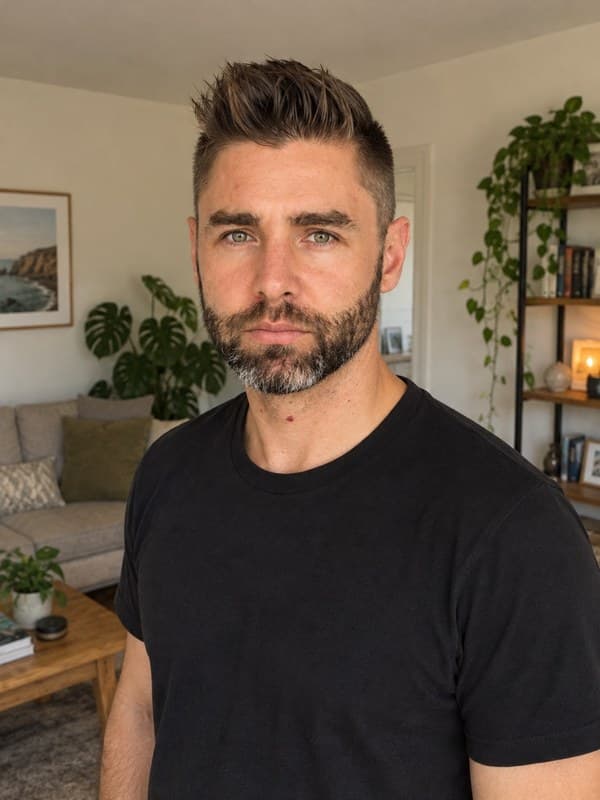
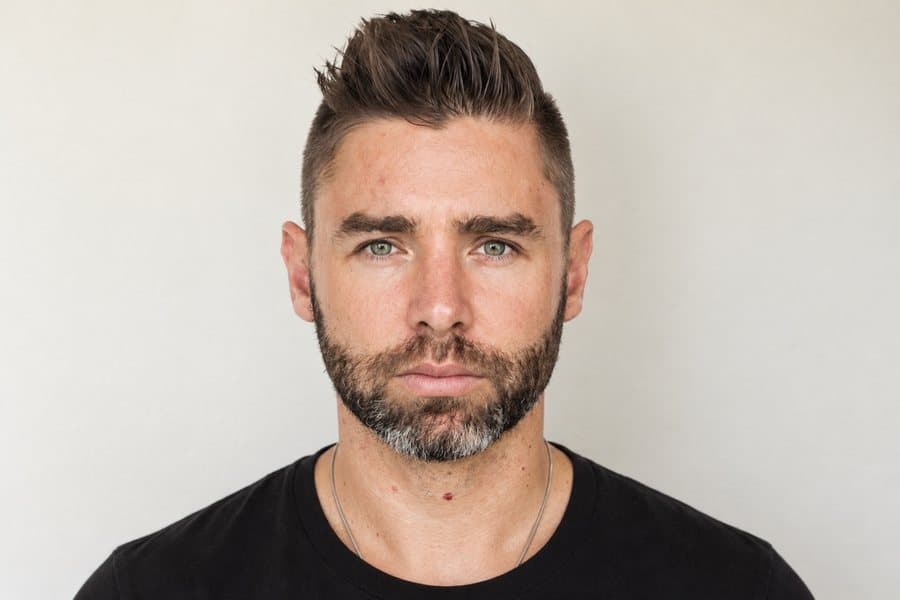
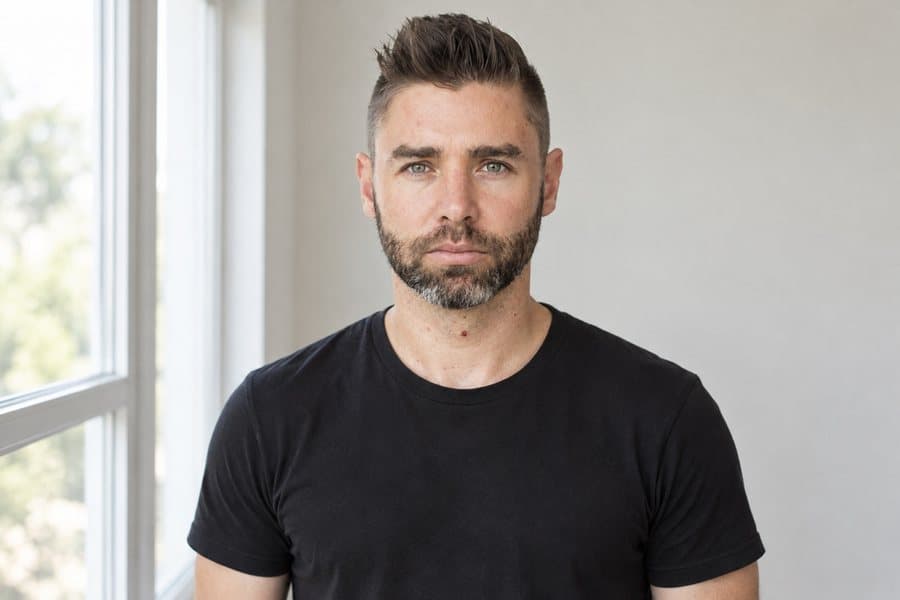
Attend with your face visible and follow staff instructions about posture, glasses and accessories. Do not prepare an external photo unless your state expressly asks for one.
If you need to complete more than one application, prepare each photo to the exact size and rules of its document.
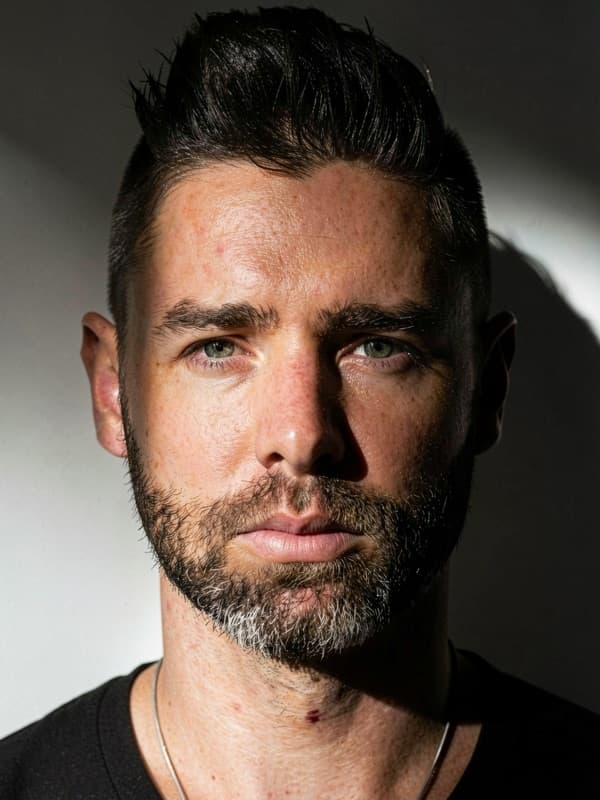
The background must already be captured by the issuing authority when you take the photo. This authority prohibits digital alteration, so Imagokit checks it but does not replace it.
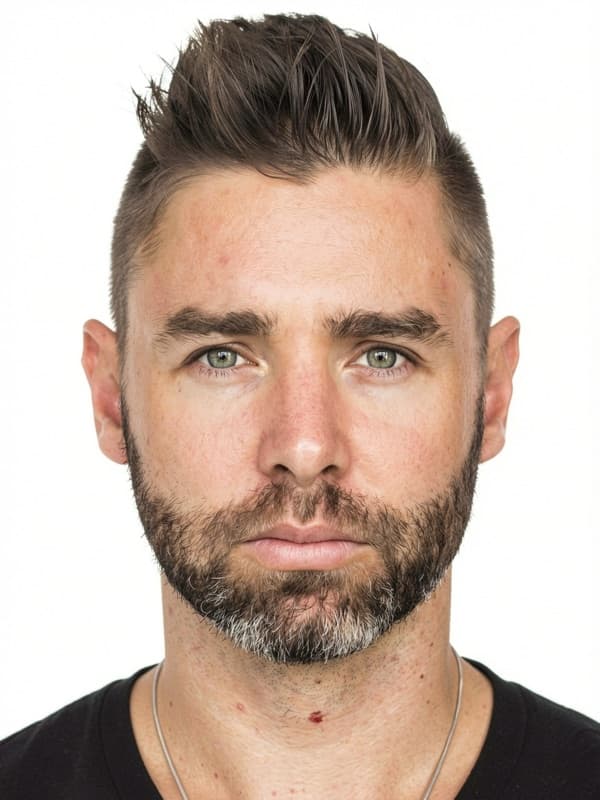
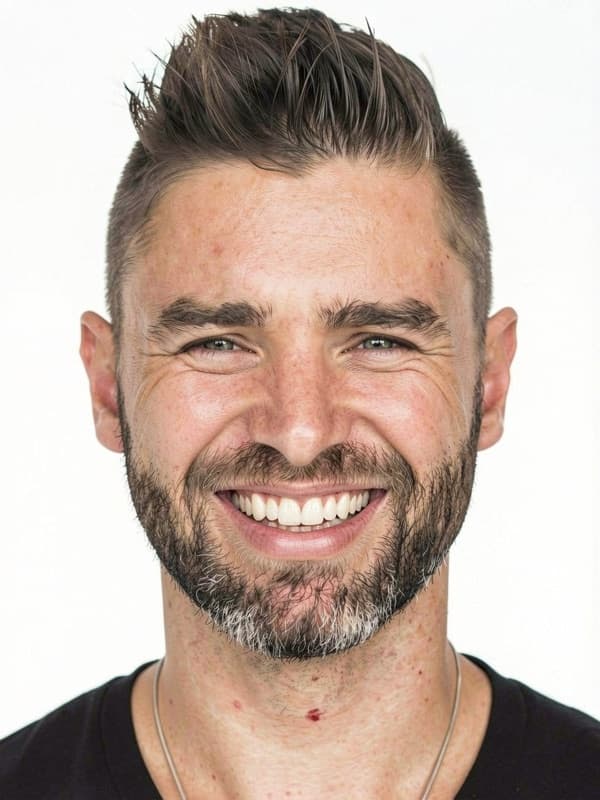
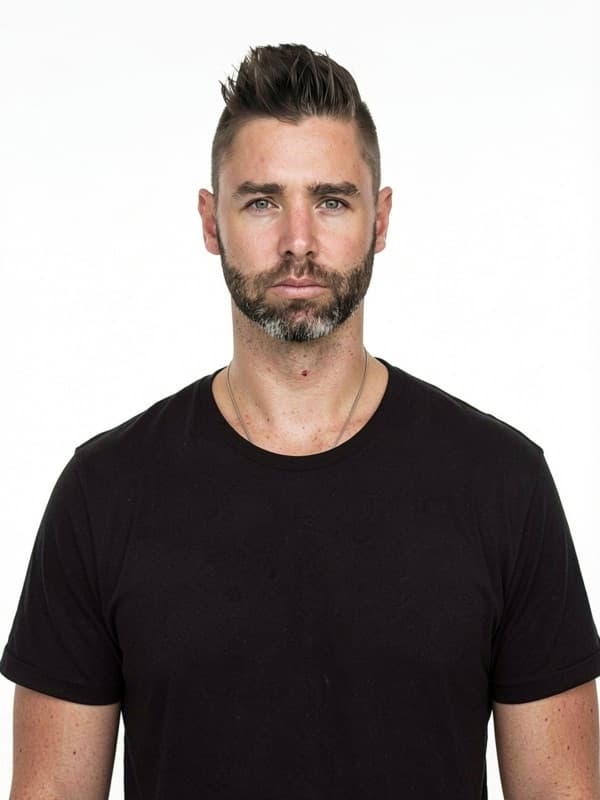
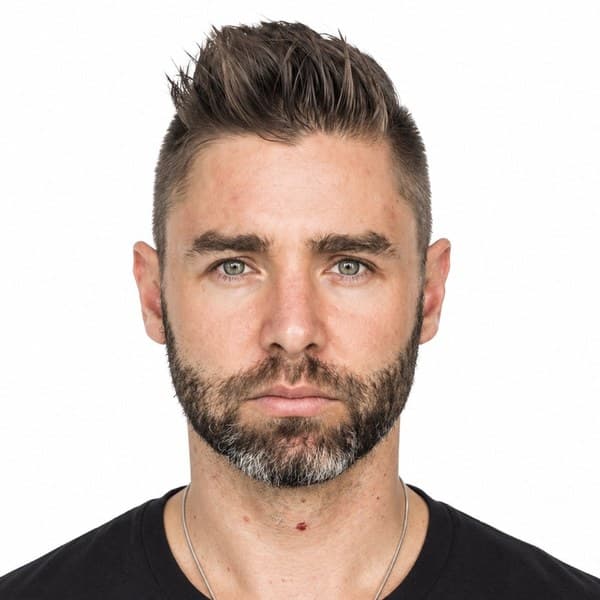
No. United States driver’s license photo requires a neutral expression, with your mouth closed and no smiling. Imagokit checks this before delivering your photo.
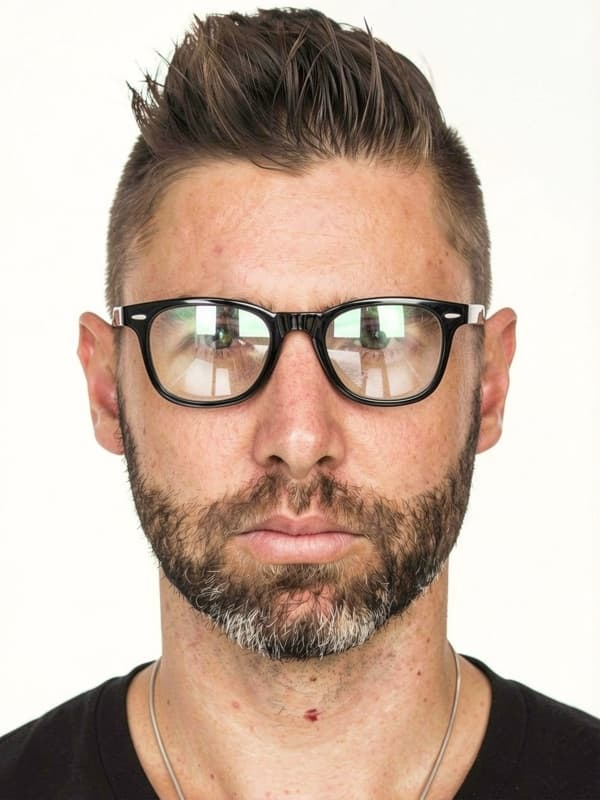
No. Glasses aren't allowed for this photo: they can cause glare or cover your eyes. Take them off before taking it.
This page is informational because the authority requires in-person capture, a professional photographer or a certified provider. Check the linked official source before attending your appointment.
The biometric analysis and cropping run on your own device, inside the browser. Your photo is only stored — in private storage — when you generate your order, so we can deliver it.