




Imagokit
🇳🇿 New Zealand · Visa

New Zealand visa photo online

Take the photo with your phone and we'll make it exactly as the issuing authority requires: 35 × 45 mm (1.4 × 1.8 in), light and plain background and correct biometric framing.

Take my photo now

Acceptance guarantee

Official requirements

New Zealand visa photo
Size
35 × 45 mm (1.4 × 1.8 in)
Resolution
300 dpi
Suitable for online submission?
Yes
Is it printable?
Yes
Background
Light and plain
File format
JPG JPEG · máx. 3.14 MB online; 10 MB via photographer
Head height
70–80% of the photo

What the photo must comply with

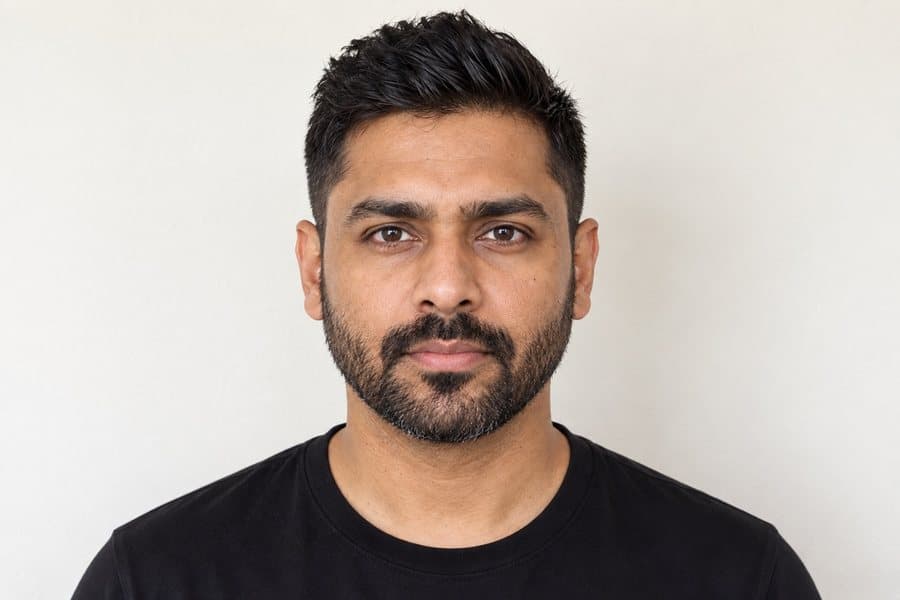
  • Face the camera. Head straight and eyes looking directly at the camera, no tilting.
  • Neutral expression. Mouth closed, no smiling (unless the country allows it).
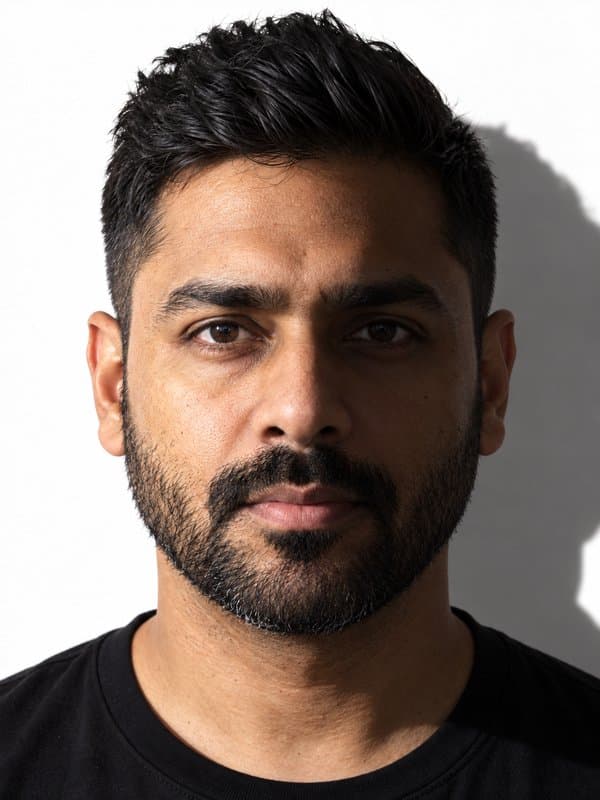
  • Even lighting. No shadows on the face or background, no glare.
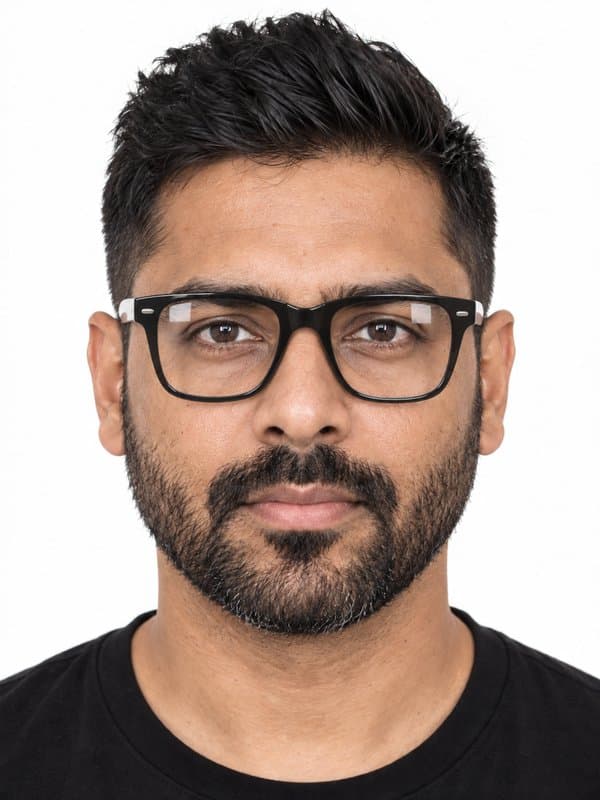
  • Glasses. Glasses are allowed if there is no glare and the eyes are fully visible.
  • Hats and caps. Head uncovered; religious garments that do not cover the face are allowed.
  • Filters and beauty retouching. The photo must faithfully show your current appearance.
  • Religious garments (hijab, turban…) are allowed if the face is visible from forehead to chin.

Specific rules for New Zealand

  • Glasses allowed if not tinted and with thin frames.
  • Religious garments allowed if the face is visible from forehead to chin.
  • Neutral expression, mouth closed.
  • Digital file: JPG JPEG, max. 3.14 MB online; 10 MB via photographer.

How to get ready

1Camera distance

Camera distance

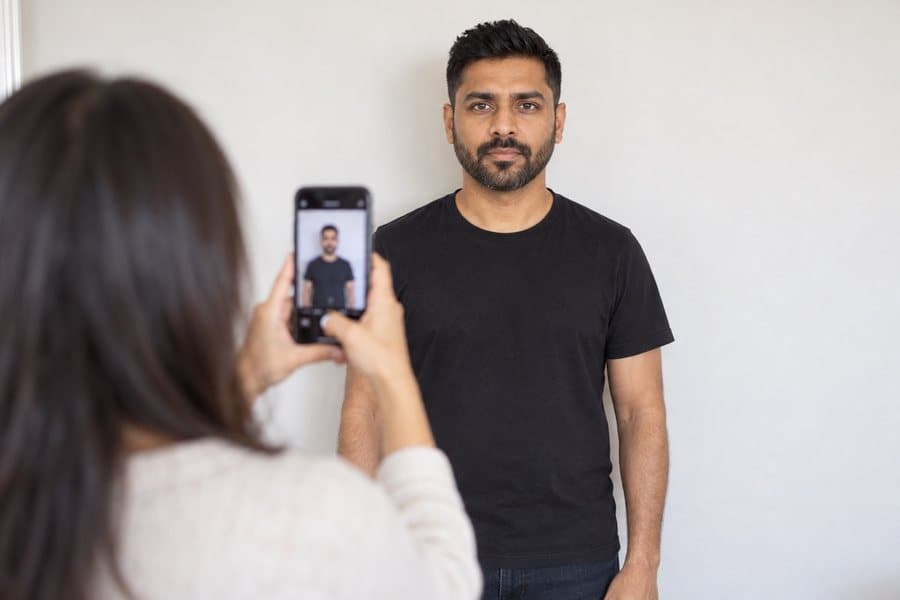
Take the photo from at least 40 cm (16 in) away from your face. Ideally, have someone else take it for you.

2Face the camera

Face the camera

Position your face in front of the lens and keep a neutral expression. Hold the camera at face level.

3Even lighting

Even lighting

Face a light source, such as an open window. Don't worry about the background — we'll replace it.

Photos that pass and photos that don't

Don't worry about the background or framing — our AI fixes that. Focus on this.

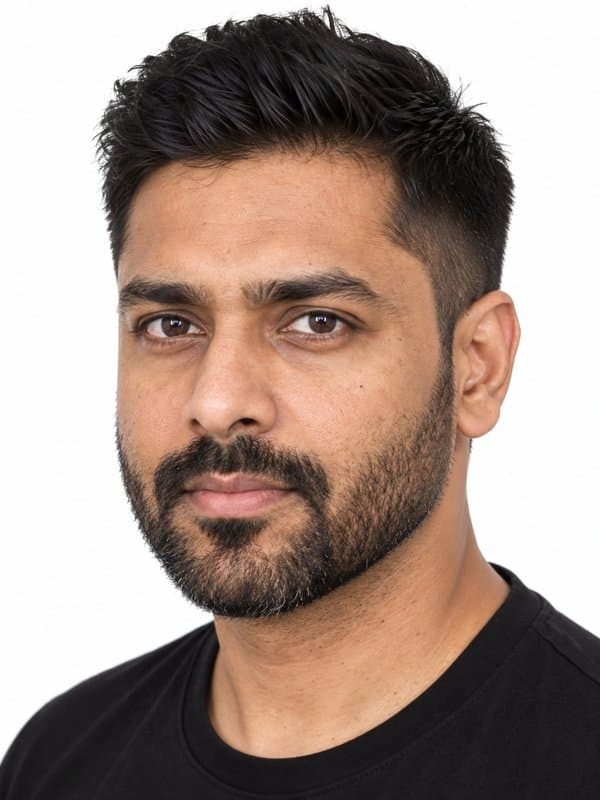
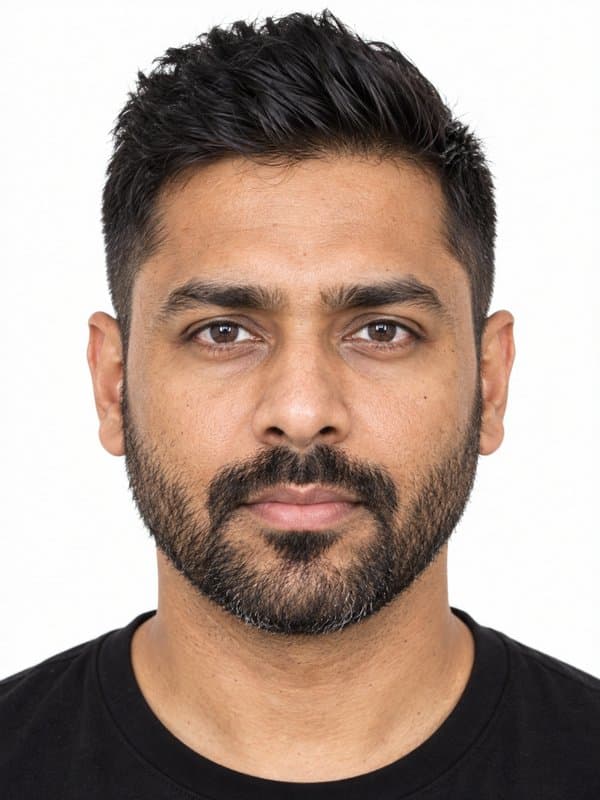
Neutral, centred and well lit
Smiling or open mouth
Wearing glasses or with glare
Shadows on face or background
Head turned or tilted
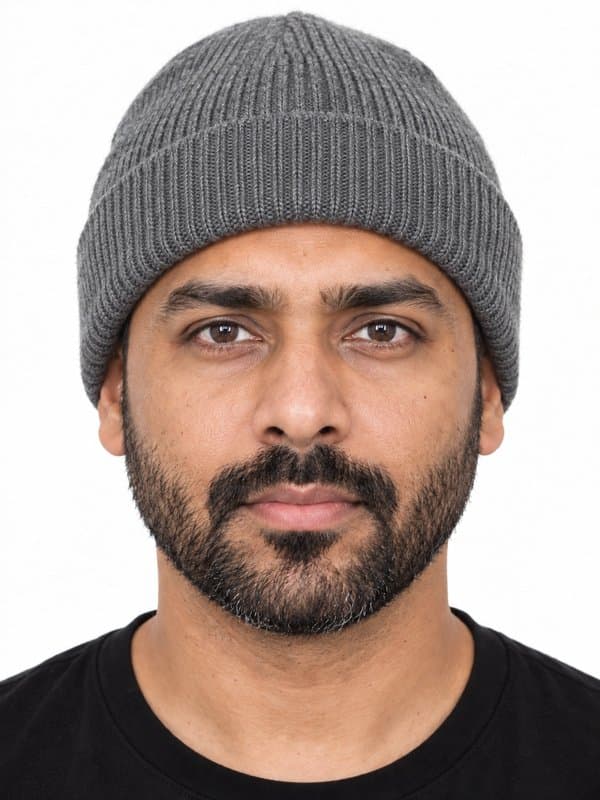
Hat or head accessories
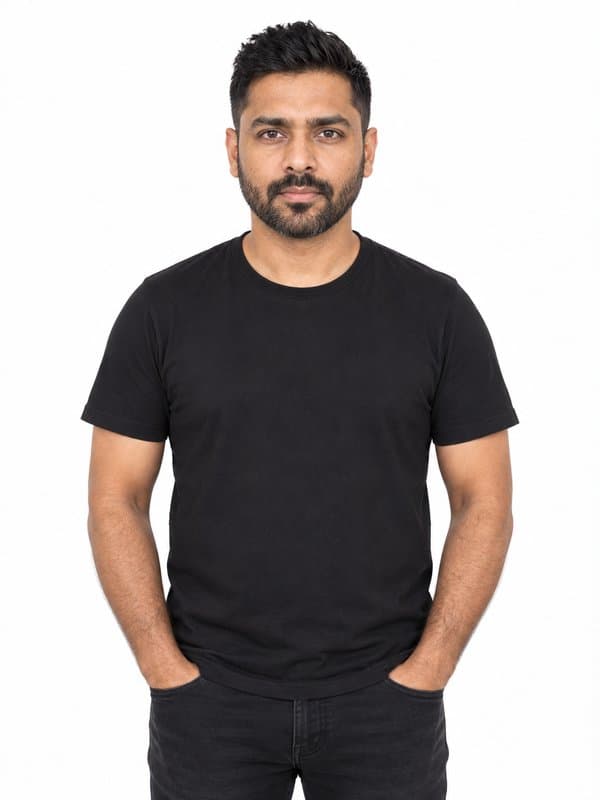
Background with objects or colour
Too far from the camera

Frequently asked questions about New Zealand visa photo

What size should the photo be for New Zealand visa photo?

It must be exactly 35 × 45 mm (1.4 × 1.8 in), with a light and plain background. Imagokit crops and adjusts your photo to those measurements automatically.

What color should the background be?

The background must be light and plain. Our tool replaces your photo's background with the required one automatically.

Can I smile in the photo?

No. New Zealand visa photo requires a neutral expression, with your mouth closed and no smiling. Imagokit checks this before delivering your photo.

Can I wear glasses?

Glasses are allowed as long as there's no glare and your eyes are clearly visible, though we recommend removing them to avoid issues.

How much does New Zealand visa photo cost and how long does it take?

It costs $14.95, a one-time payment with no subscription. It's ready to download instantly — no waiting, no trips.

Is it valid for the official application?

Yes. The photo meets the official measurements, background and biometric requirements of New Zealand. And if it's still rejected, we refund your money.

Can I print it on paper?

Yes. Along with the digital photo you get a 10×15 cm (4×6 in) print template ready to print with 2, 4, 6 or 9 copies at any photo shop or kiosk.

Is my photo safe? What do you do with it?

The biometric analysis and cropping run on your own device, inside the browser. Your photo is only stored — in private storage — when you generate your order, so we can deliver it.

Ready in 3 minutes — valid or your money back