




Print version
Photo ready to print
A separate file prepared at the official physical size, ready to produce your paper copies.
- Official size: 35 × 45 mm (1.4 × 1.8 in)
- Prepared at 300 dpi
- Print-ready sheet included
- white background
Take or upload a photo. We prepare and check it so your Tunisia passport photo is compliant and ready to print.
198,542+ photos already taken
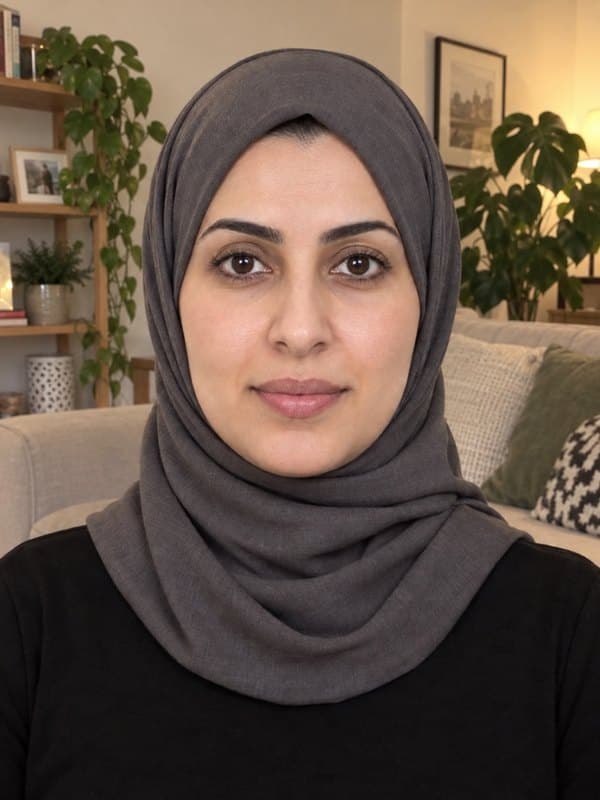
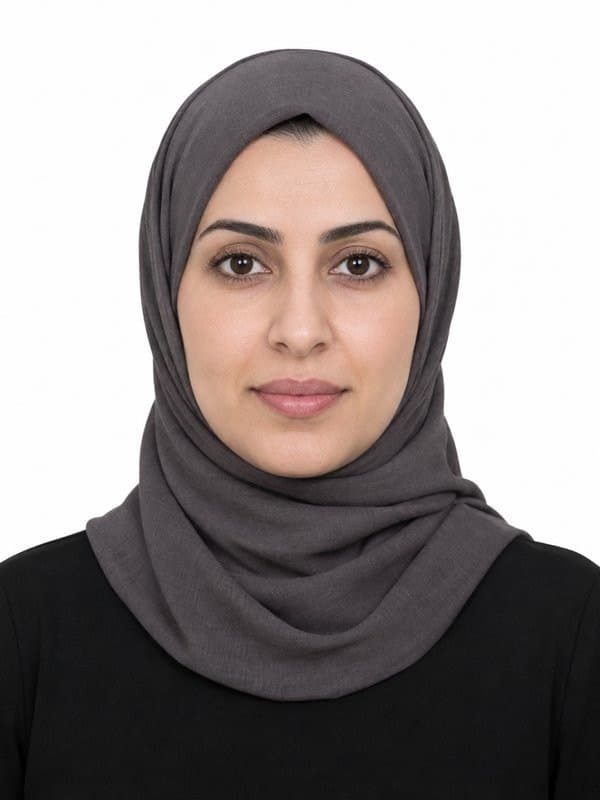
Included with your order
Your Tunisia passport photo order includes the files you need for both online submission and printing, when supported by the application route.
A separate file prepared at the official physical size, ready to produce your paper copies.
The same final photo as a file you can keep or send to print wherever you like: a print shop, photo store or at home.
You don't need to understand the rules for Tunisia passport photo. Just face the camera in good light; Imagokit handles the rest.
We replace your surroundings with the white background required for the application.
We center and crop the image to the required biometric position.
We detect issues that could cause rejection and tell you if you need to take another photo.
Verified official information
The Tunisian passport, for a first issue or renewal, is applied for with 35 × 45 mm colour photos with a white background and no glasses. This is what the Ministry of the Interior and Tunisian consulates state; the embassy in the United States asks for 2 × 2 in photos instead.
We correct the framing and prepare the white background while preserving your natural appearance.
You hand in the photos with the file in person, in Tunisia or at the consulate. Where the biometric passport is already in place, the photo may be taken at the office: confirm your office’s procedure. We deliver the print template for the copies plus the digital file; if you apply at the embassy in the United States, you need the 2 × 2 in (51 × 51 mm) format.
Use a white background and even light, remove your glasses and face the camera with a neutral expression. Keep your face uncovered; if you wear a veil for religious reasons, keep the whole facial oval visible. Use a recent photo.
You don't need to memorize measurements or biometric rules. Imagokit applies this document's official setup and checks the result before delivery.
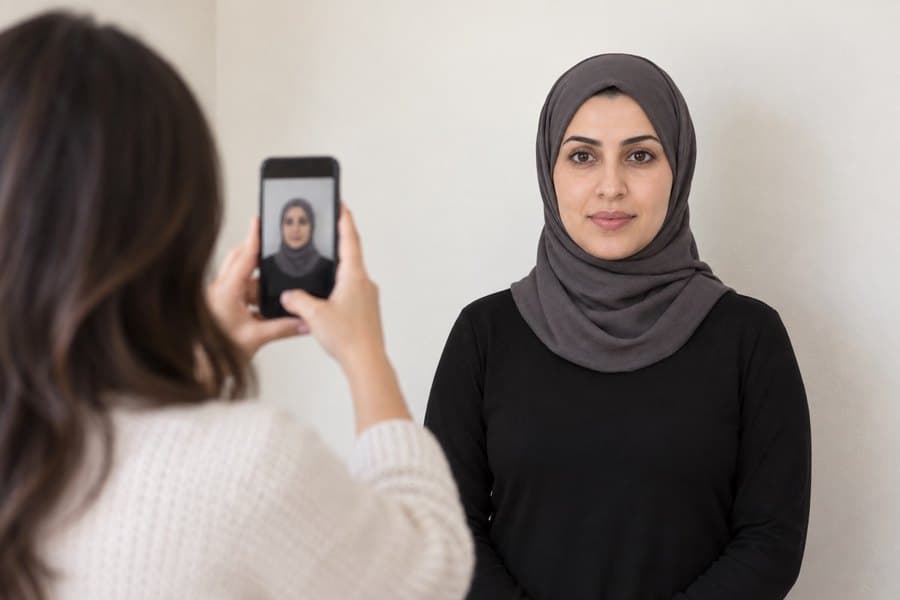
Take the photo from at least 40 cm (16 in) away from your face. Ideally, have someone else take it for you.
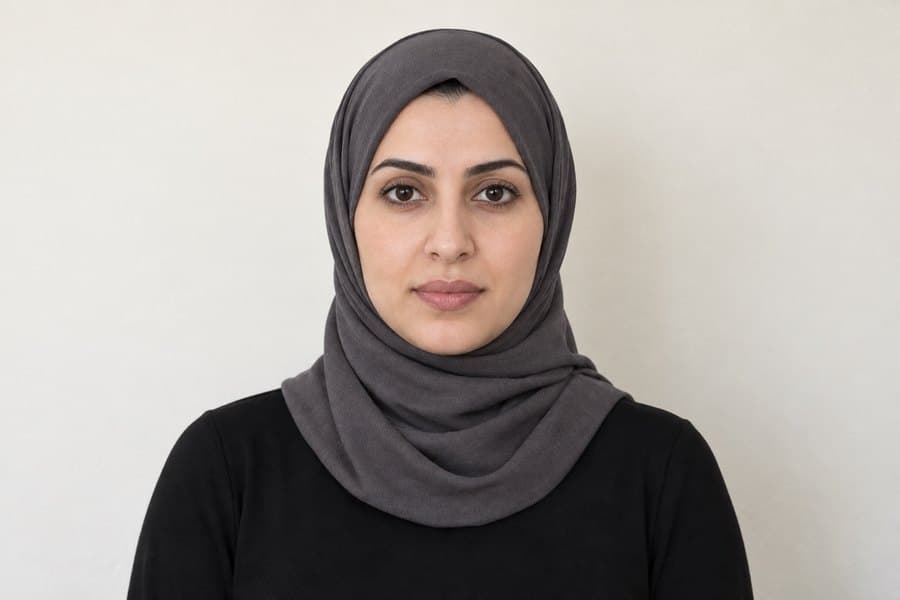
Position your face in front of the lens and keep a neutral expression. Hold the camera at face level.
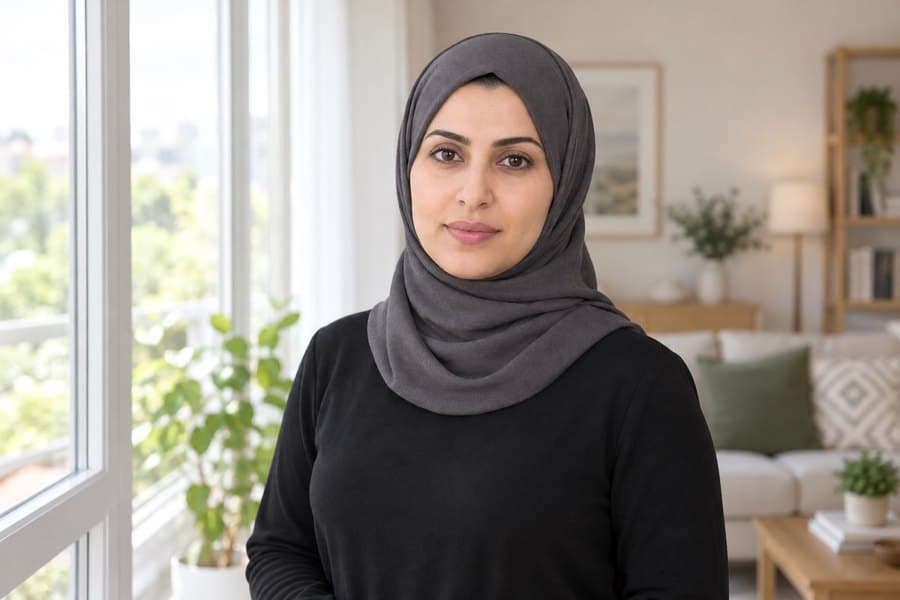
Face a light source, such as an open window. Don't worry about the background — we'll replace it.
Don't worry about the background or framing — our AI fixes that. Focus on this.
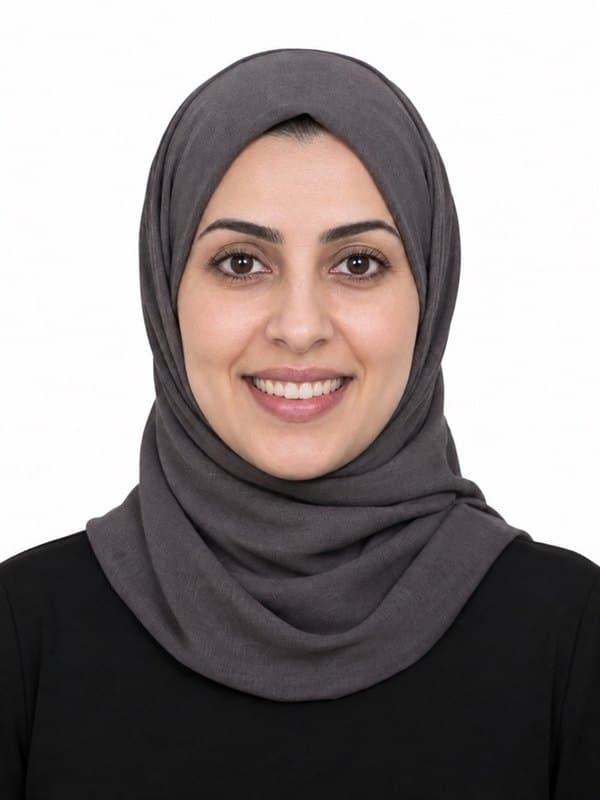
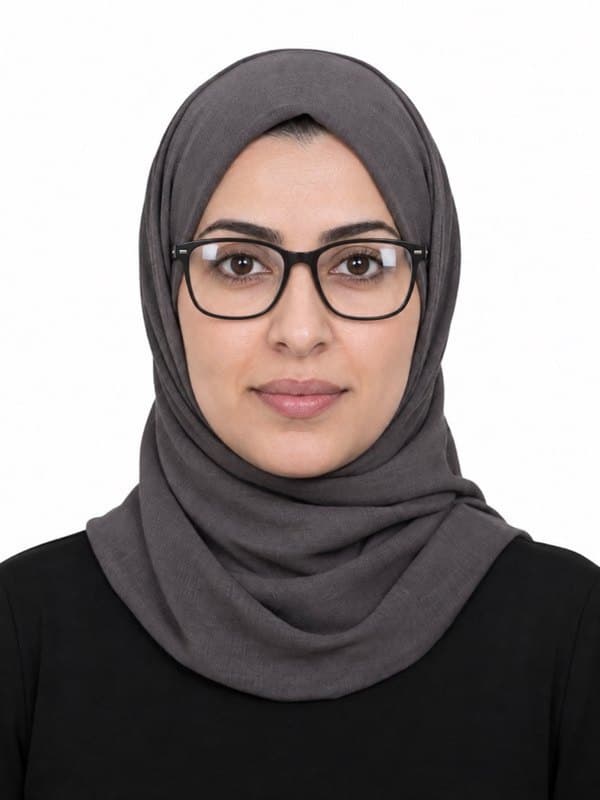
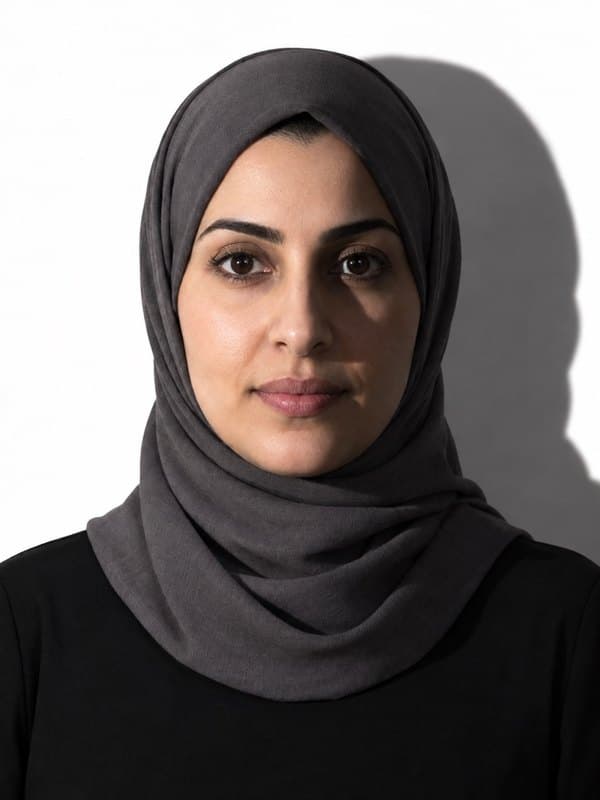
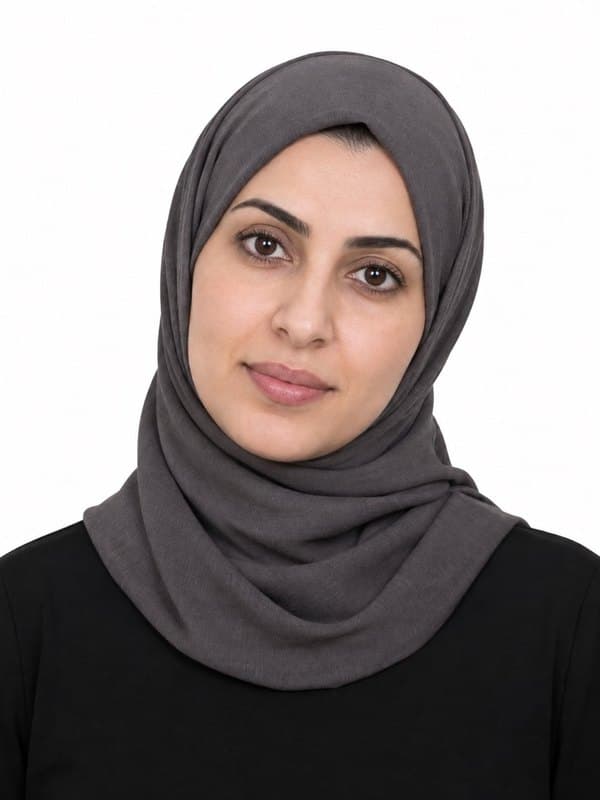
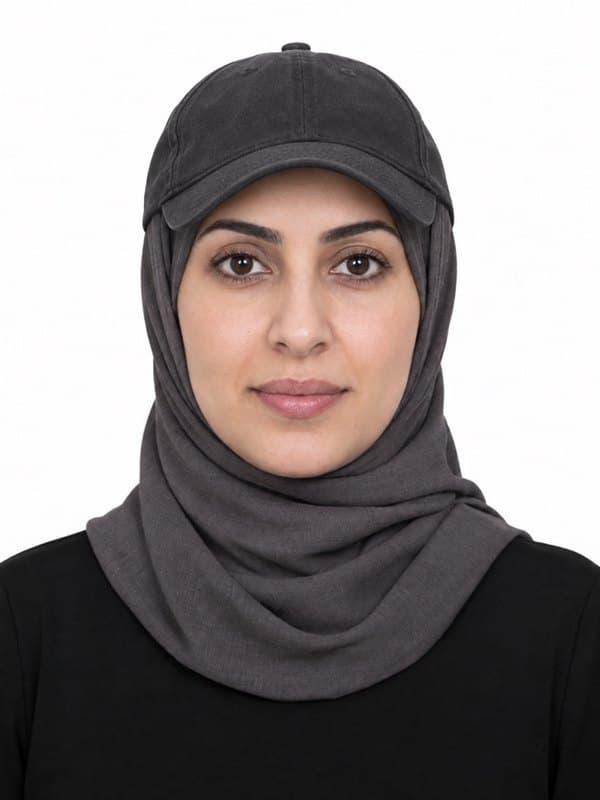
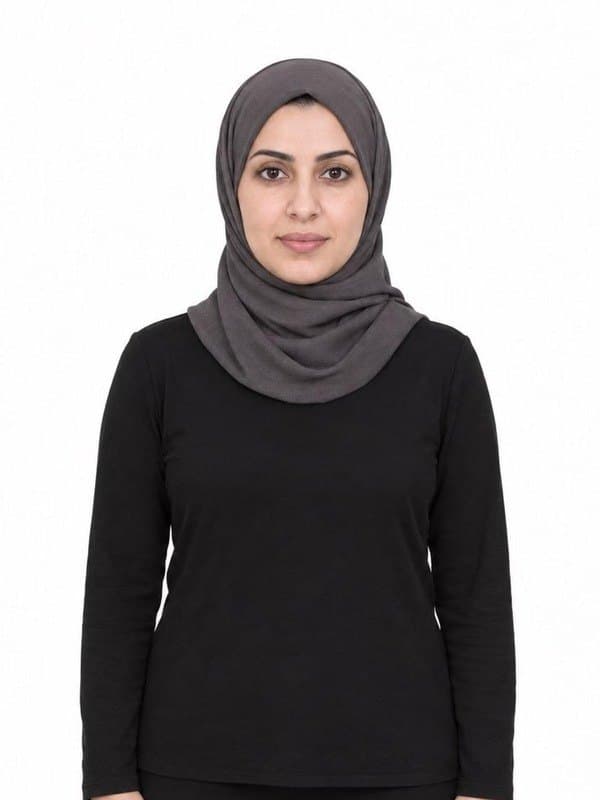
If you need to complete more than one application, prepare each photo to the exact size and rules of its document.
Secure payment
Get your photo ready for your application and use your Imagokit dashboard for the next 7 days.
7 days of Imagokit Unlimited
$1.95
7 days of access to Imagokit from your dashboard.
Today you'll pay $1.95 and get 7 days of full access to Imagokit. After that, your subscription renews at $49.95/month until you cancel. You can cancel at any time.
It must be exactly 35 × 45 mm (1.4 × 1.8 in), with a white background. Imagokit crops and adjusts your photo to those measurements automatically.
The background must be white. Our tool replaces your photo's background with the required one automatically.
No. Tunisia passport photo requires a neutral expression, with your mouth closed and no smiling. Imagokit checks this before delivering your photo.
No. Glasses aren't allowed for this photo: they can cause glare or cover your eyes. Take them off before taking it.
It costs $1.95. It's ready to download instantly — no waiting, no trips.
Yes. The photo meets the official measurements, background and biometric requirements of Tunisia. And if it's still rejected, we refund your money.
Yes. Along with the digital photo you get a 10×15 cm (4×6 in) print template ready to print with 2, 4, 6 or 9 copies at any photo shop or kiosk.
The biometric analysis and cropping run on your own device, inside the browser. Your photo is only stored — in private storage — when you generate your order, so we can deliver it.