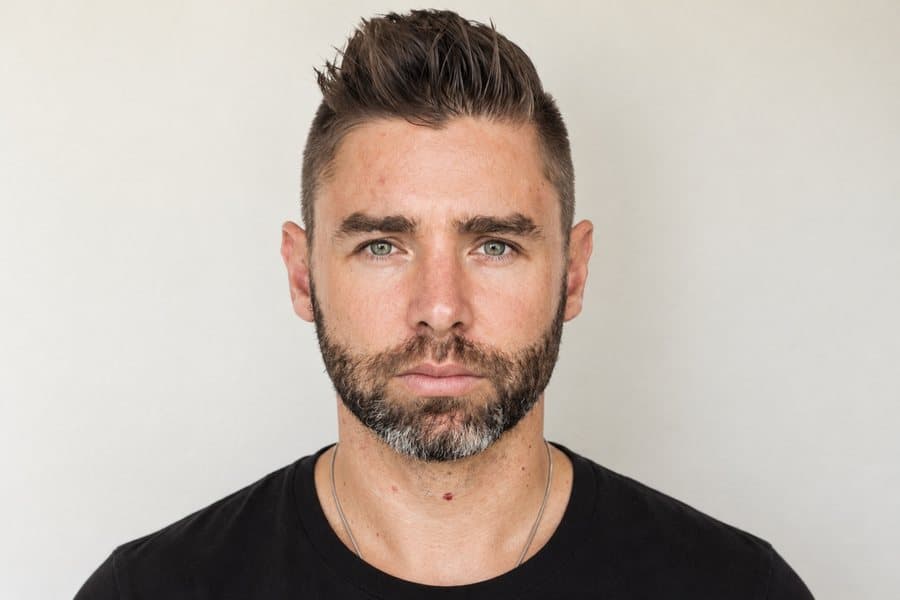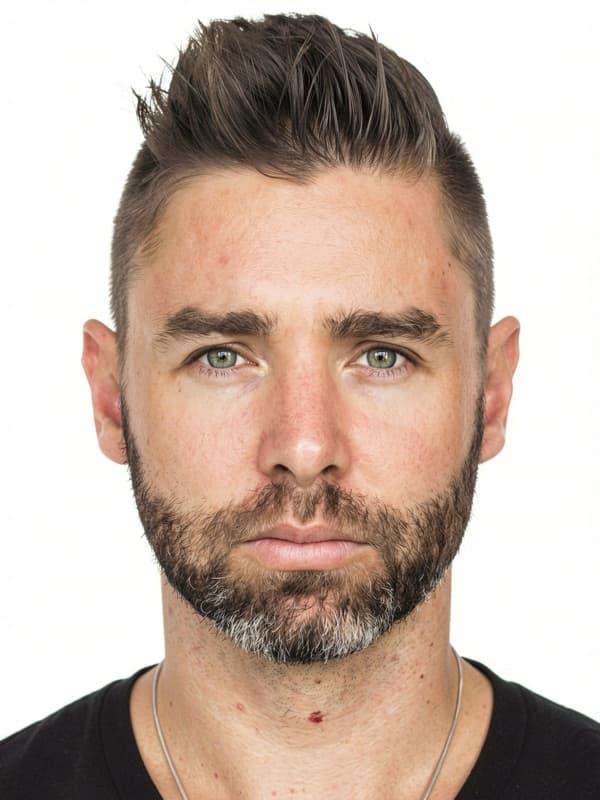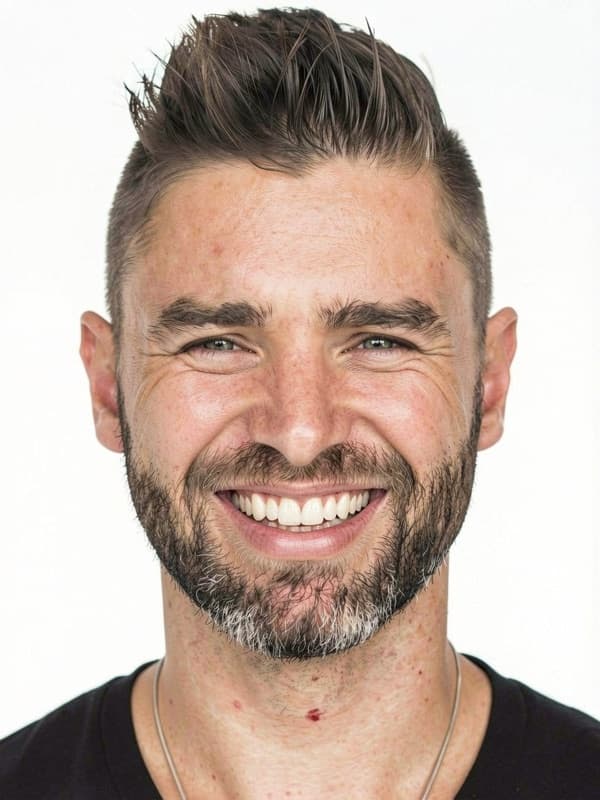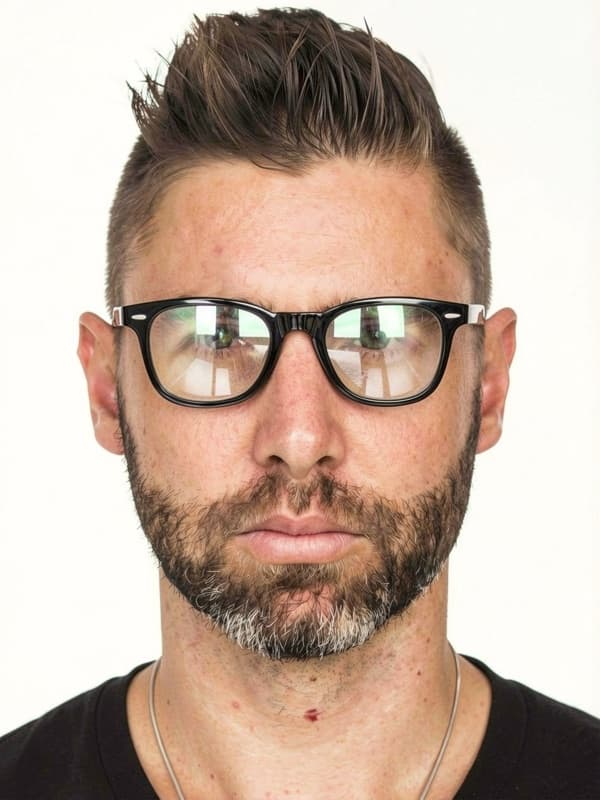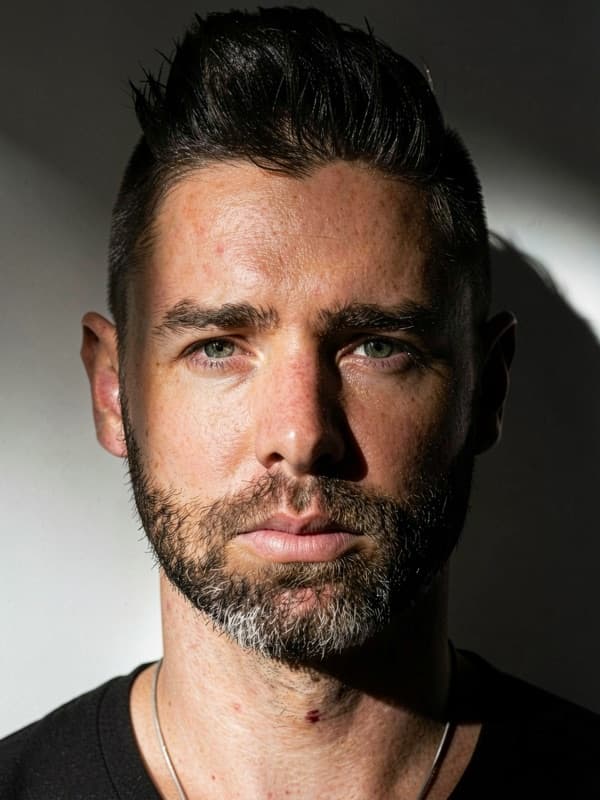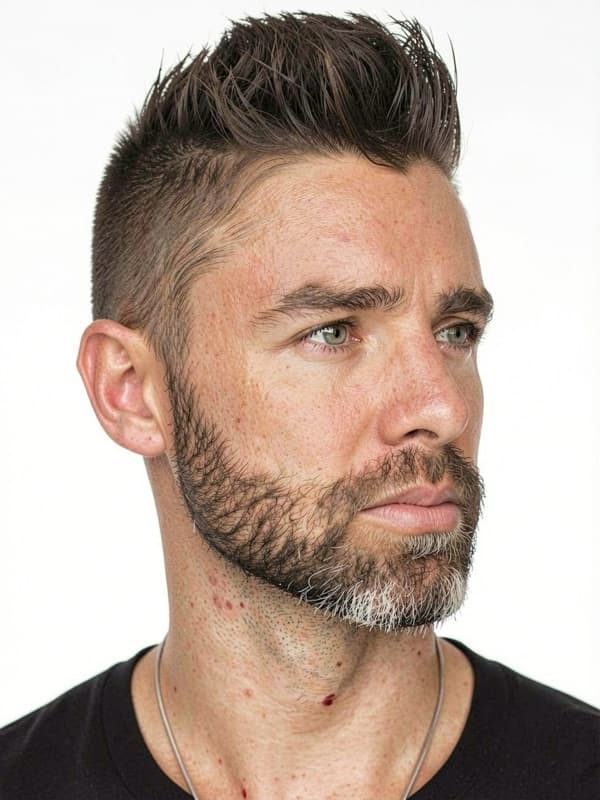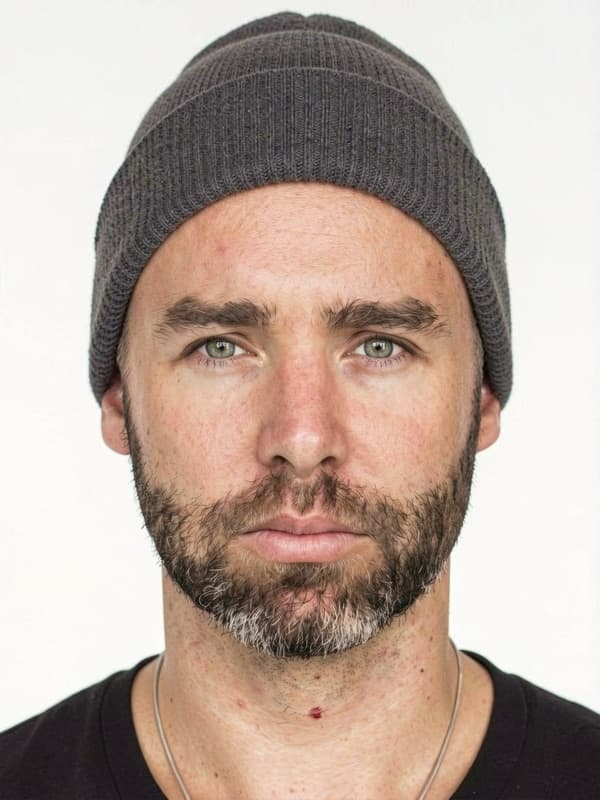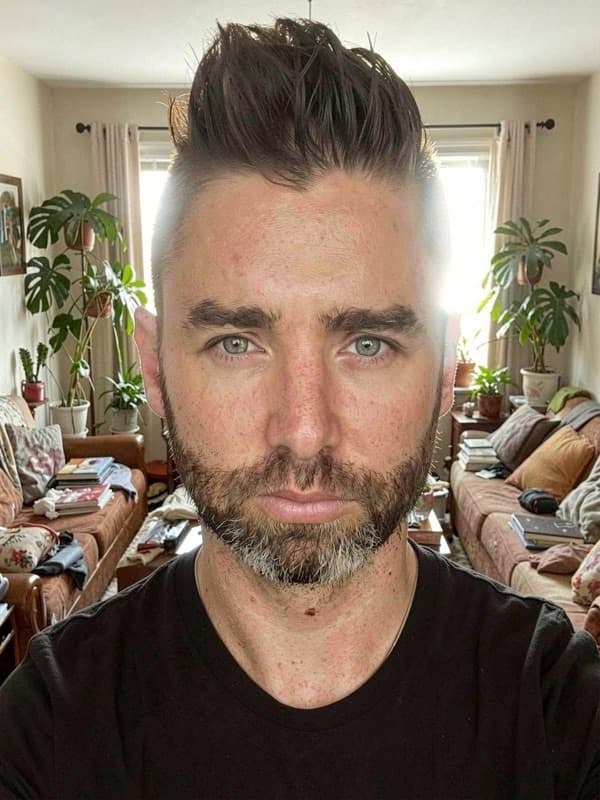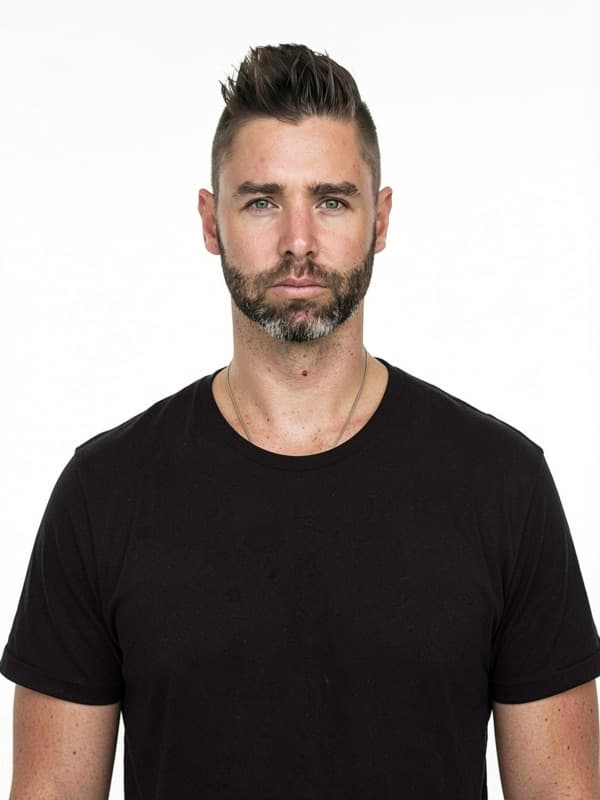





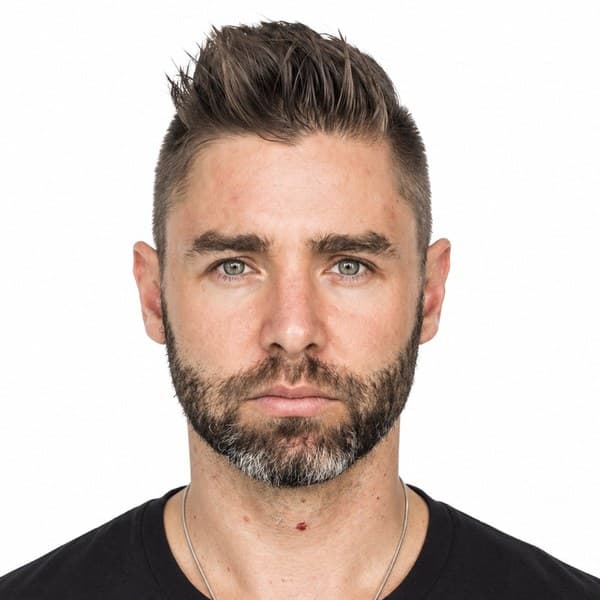
Your photo stays natural
This authority does not allow digital alterations. We check that the background is white or off-white without replacing or retouching it.
Take or upload a photo. We prepare and check it so your Israel passport photo is compliant and ready to print.
198,542+ photos already taken


You don't need to understand the rules for Israel passport photo. Just face the camera in good light; Imagokit handles the rest.
This authority does not allow digital alterations. We check that the background is white or off-white without replacing or retouching it.
We center and crop the image to the required biometric position.
We detect issues that could cause rejection and tell you if you need to take another photo.
You receive a file with the required proportions and framing, ready to produce the physical copies the application needs.
We include a print sheet so you can get your copies without adjusting anything.
Verified official information
The current Israeli passport is biometric and is applied for in person at the Population and Immigration Authority. The facial image is part of biometric enrolment and is taken by staff during the appointment.
We adjust the size and framing to the document's exact format without replacing the background or altering your appearance.


Book an appointment, pay through the official route and attend with your identity document and previous passport where applicable. A home-prepared file does not replace this capture.
Attend with an unobstructed face and an appearance that makes identification straightforward. Follow the office instructions for posture, lighting and fingerprint enrolment.
You don't need to memorize measurements or biometric rules. Imagokit applies this document's official setup and checks the result before delivery.


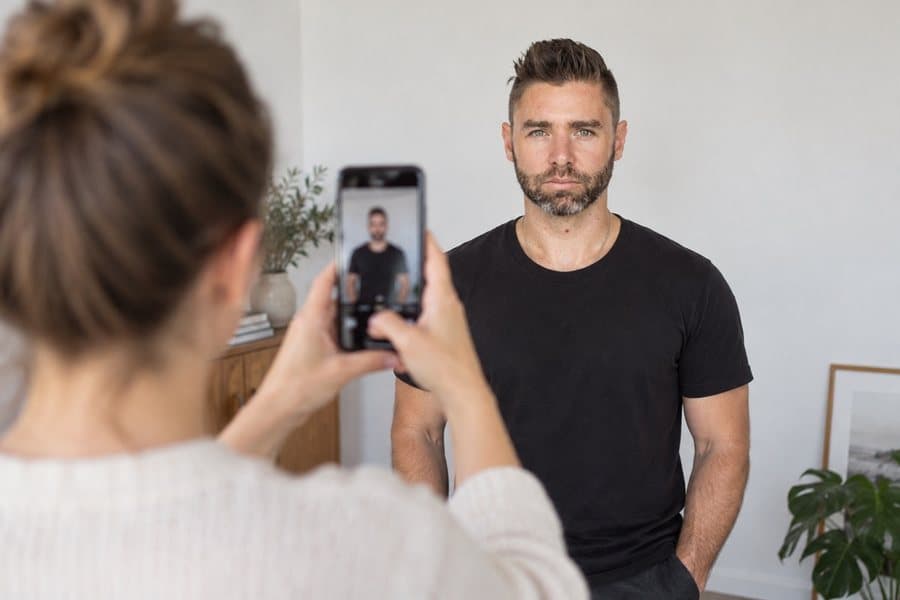
Take the photo from at least 40 cm (16 in) away from your face. Ideally, have someone else take it for you.

Position your face in front of the lens and keep a neutral expression. Hold the camera at face level.

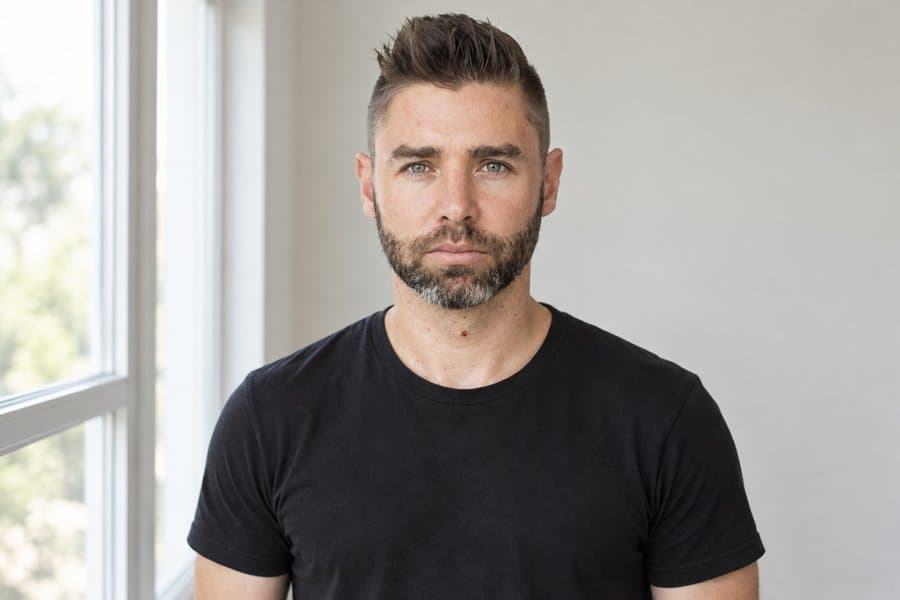
Face a light source, such as an open window, and use the required real background from the start. We will not replace or retouch it.
Use a real compliant background and keep your appearance natural. We check framing and conditions without altering the image.


The background must already be white or off-white when you take the photo. This authority prohibits digital alteration, so Imagokit checks it but does not replace it.
No. Israel passport photo requires a neutral expression, with your mouth closed and no smiling. Imagokit checks this before delivering your photo.
No. Glasses aren't allowed for this photo: they can cause glare or cover your eyes. Take them off before taking it.
It costs $1.95, a one-time payment with no subscription. It's ready to download instantly — no waiting, no trips.
Yes. The photo meets the official measurements, background and biometric requirements of Israel. And if it's still rejected, we refund your money.
Yes. Along with the digital photo you get a 10×15 cm (4×6 in) print template ready to print with 2, 4, 6 or 9 copies at any photo shop or kiosk.
The biometric analysis and cropping run on your own device, inside the browser. Your photo is only stored — in private storage — when you generate your order, so we can deliver it.